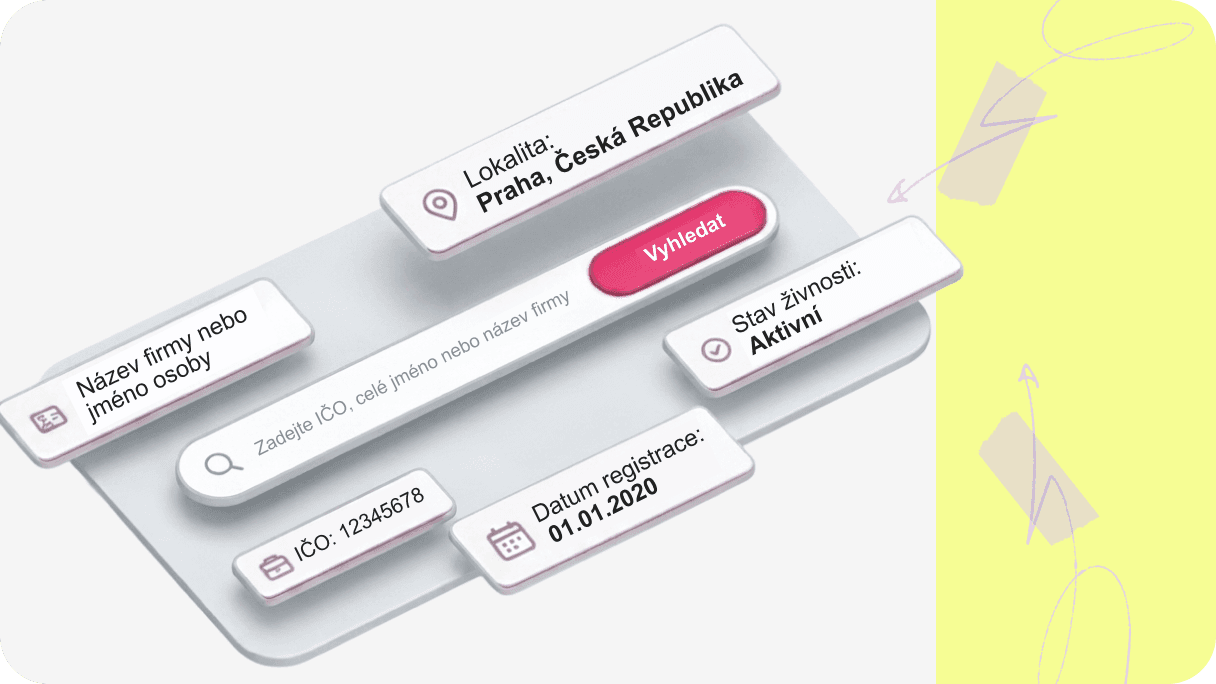
If you want to verify a Czech company, freelancer, OSVČ or trade license holder, you usually need to check multiple public registries and databases separately. These may include the Trade Licensing Register, Commercial Register, VAT records and other public sources.
Pexpats Business Search helps users search Czech companies, freelancers and trade licenses using IČO, DIČ, company name or personal name and view available public information from multiple Czech public sources in one place.
Why Checking a Czech Company Is More Complicated Than Most People Expect
Many people assume they only need to search a company name.
In reality, Czech business information is often spread across multiple public databases.
One registry may contain trade license information, another may contain company ownership information, another may contain VAT registration details, while additional databases may contain statistical or administrative information.
As a result, users often need to visit multiple websites before finding all the information they need.
Pexpats Business Search was built to simplify this process by bringing together available public information into a single search experience.
What Information Can You Check About a Czech Company?
A complete Czech business verification should include:
Company name
IČO
DIČ
Registered address
Company registration date
Trade license status
Trade license activities
VAT registration
Data Box ID
Number of employees
Managing directors
Shareholders
Ownership shares
Registered capital
Registry file number
Responsible tax office
Checking only one registry may not provide the full picture.
How to Search a Czech Company Online
Step 1
Enter:
Company name
IČO
DIČ
Personal name
Step 2
Click Search.
The system displays matching Czech companies, freelancers and trade license holders.
Step 3
Open the selected company profile.
The system displays available public information from multiple Czech sources in one place.
H2
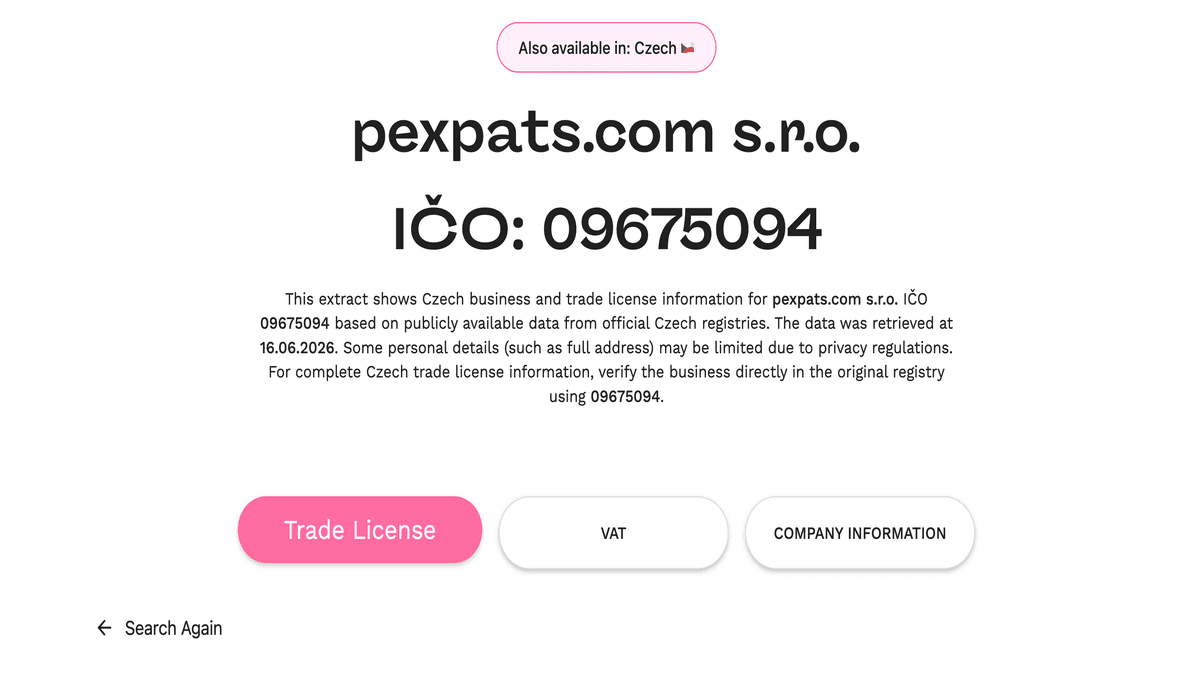
Example: How to Verify Pexpats s.r.o.
Let’s use Pexpats s.r.o. as an example.
Step 1
Enter “Pexpats” into the search field.
Step 2
Select Pexpats s.r.o. from the search results.
Step 3
Open the company profile.
Step 4
Review the Trade License tab to check business activities, trade license status, registration date and licensing authority.
Step 5
Open the VAT tab to verify VAT registration information.
Step 6
Open the Company Information tab to review company ownership, managing directors, registered capital and registration details.
Step 7
Download the PDF statement or copy the direct company profile link if you need to share the information.
Trade License Information
The Trade License section displays information related to business registration and trade license activities.
Available information may include:
Business name
IČO
DIČ
Business address
Number of employees
Data Box ID
Trade license activities
Trade license type
Registration date
Trade license validity
Trade license status
Licensing authority
Responsible tax office
Trade license status may be:
Active
Suspended
Cancelled
Valid until a specific date
VAT Registration Information
The VAT section helps verify VAT registration information.
Available information may include:
VAT number
VAT registration status
VAT type
VAT validity
Responsible tax office
This is useful when issuing invoices, verifying suppliers or checking business partners.
Company Information and Ownership
The Company Information section displays information from company registration records.
Available information may include:
Company registration date
Registry file number
Company name
Registered address
Legal form
Managing directors
Shareholders
Ownership shares
Capital contributions
Registered capital
This helps users understand who owns and manages a company.
Download Business Information as a PDF
Each section can be downloaded as a PDF statement.
Instead of collecting information from multiple websites separately, users can generate a document containing available business information in a single report.
Available statements may include:
Trade License Statement
VAT Statement
Company Information Statement
Share Company Information Using a Direct Link
Each company profile can be shared using a direct URL.
Instead of explaining where information was found, users can simply copy the page link and send it to colleagues, clients or business partners.
Feature | Official Registries | Pexpats Business Search |
|---|---|---|
Trade License Information | Yes | Yes |
VAT Information | Yes | Yes |
Company Ownership | Yes | Yes |
Company Management | Yes | Yes |
Registered Capital | Yes | Yes |
Search Multiple Sources | No | Yes |
PDF Statements | No | Yes |
Direct URL Sharing | Limited | Yes |
One Search Interface | No | Yes |
What Information Can You Find Using Pexpats Business Search?
Pexpats Business Search provides access to publicly available business information, including:
Company name
IČO
DIČ
Registered address
Company registration date
Trade license activities
Trade license status
VAT registration information
Data Box ID
Number of employees
Managing directors
Shareholders
Ownership shares
Registered capital
Registry file number
Responsible tax office
Licensing authority
This information helps users verify Czech trade license holders, freelancers, OSVČ and companies using publicly available business records from multiple Czech sources in one place.
Why Businesses, Freelancers and Expats Use Pexpats Business Search
Common use cases include:
Verifying a supplier
Verifying a freelancer
Checking trade license status
Checking VAT registration
Verifying company ownership
Verifying company management
Downloading business statements
Sharing company information
Checking registered activities
Reviewing company records before cooperation
Frequently Asked Questions
How can I check a Czech company online?
Search by company name, personal name, IČO or DIČ and review company registration, trade license, VAT and ownership information.
How can I check a Czech trade license?
Search by company name, personal name or IČO and review the trade license section to verify registration status, business activities and licensing information.
What is IČO?
IČO is the Czech business identification number assigned to companies and self-employed persons.
What is DIČ?
DIČ is the Czech tax identification number used for tax and VAT purposes.
Can I search by company name, personal name, IČO or DIČ?
Yes. Pexpats Business Search allows users to search Czech companies, freelancers, OSVČ and trade license holders using company name, personal name, IČO or DIČ.
What information can I verify?
You can verify trade license status, business activities, VAT registration, company owners, directors, shareholders, registered capital and other public business information.
Can I download the information?
Yes. Available information can be downloaded as PDF statements directly from the company profile.
Can I share the company profile?
Yes. Each company profile has a direct URL that can be copied and shared.
Can I verify a freelancer or OSVČ?
Yes. The tool can be used to verify freelancers, OSVČ and other trade license holders.
Is Pexpats Business Search an official government register?
No. Pexpats Business Search helps users access publicly available information from multiple Czech public sources in one place.
Final Answer
To properly verify a Czech company, freelancer, OSVČ or trade license holder, you should check trade license registration, VAT status, company ownership, company management, registered capital and other public business records.
Pexpats Business Search helps users access available public information from multiple Czech sources through a single search, making Czech business verification faster, easier and more convenient.